Watch the preview video.
KDP Formatter: Prepare Your Book for Kindle, Paperback and Hardcover
Publishing a book involves more than finishing the manuscript. Chapter headings, front matter, page numbers, contents pages and cover dimensions all need attention—and each publishing format has different requirements.
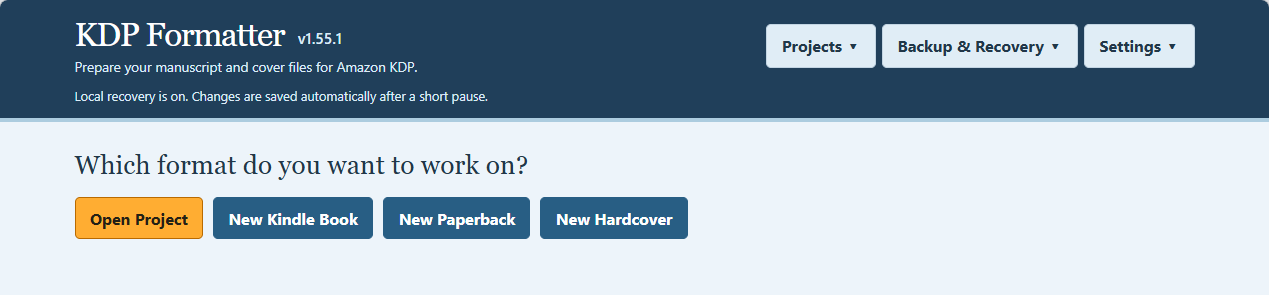
KDP Formatter brings these tasks together in one application, helping independent authors prepare manuscripts and covers for Amazon Kindle Direct Publishing.
One Project, Three Publishing Formats
Work on Kindle, Paperback or Hardcover within the same project.
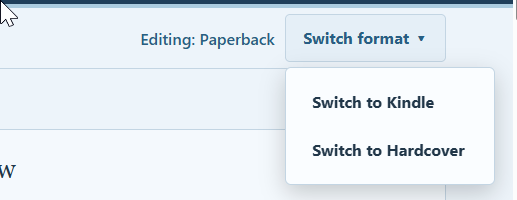
When you open another format for the first time, KDP Formatter copies your existing content and formatting to give you a starting point. From then on, each edition stays independent.
You can adjust the Kindle edition’s text, images or styling without changing your print editions. Paperback and Hardcover also keep their own print specifications, covers, ISBNs and barcodes.
Turn a Word Manuscript into a Book
Import a Word document, then choose a formatting template or create your own reusable style.
Controls let you adjust:
- Body fonts, text sizes and colours
- Line spacing, paragraph spacing and first-line indents
- Chapter headings and other heading levels
- Chapter alignment, dividers and opening-page spacing
- Separate chapter numbers and titles
- Numeric or spelled-out chapter numbers
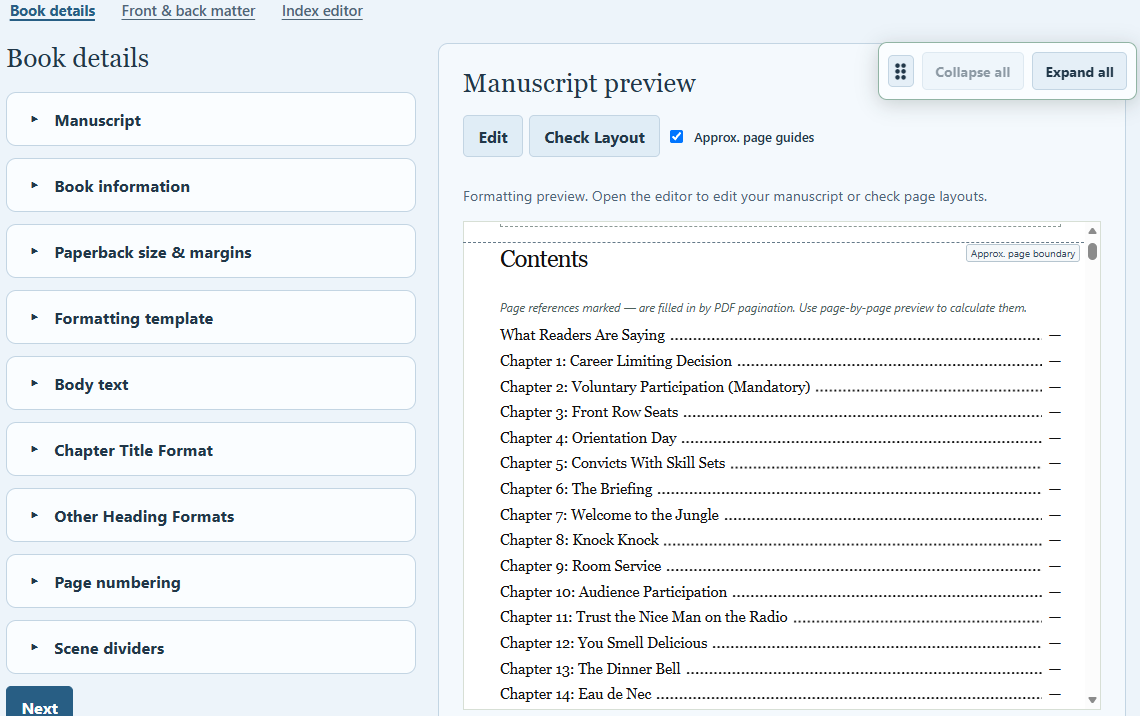
For example, “Chapter 1: Career Limiting Decision” can become a chapter number on one line, with the title styled separately underneath.
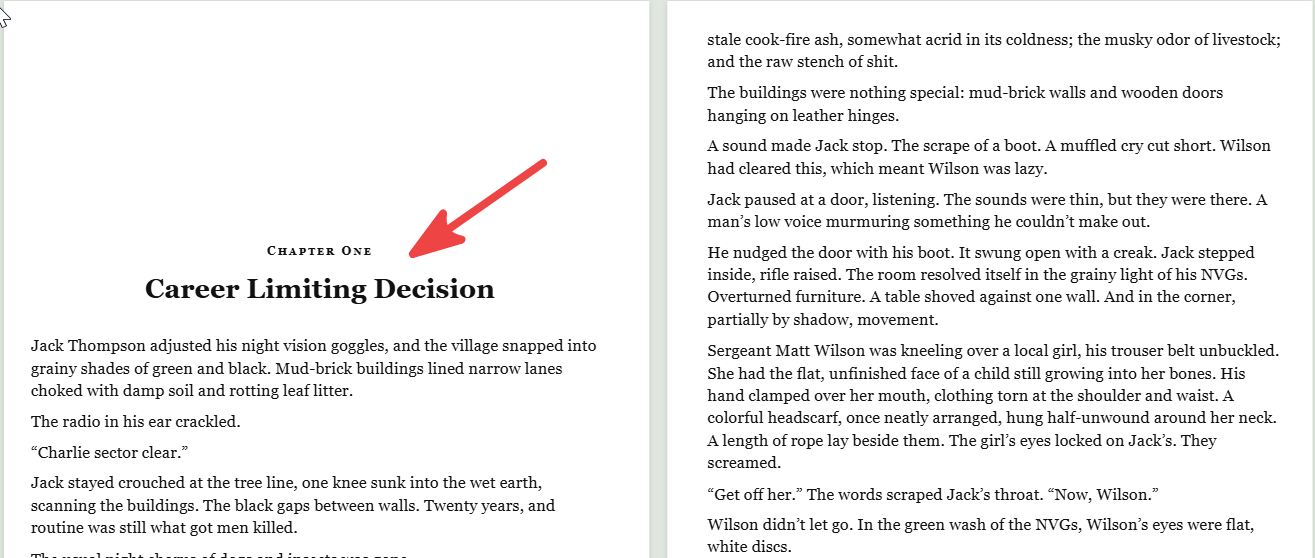
Kindle editions retain reflowable body text, allowing readers to adjust their reading preferences.
Build Your Front and Back Matter
Add the supporting pages that make a book feel complete:
- Title page, subtitle and author name
- Quote or dedication

- Copyright notice
- Disclaimer
- Table of contents
- Custom front matter
- About the Author, Other Books and additional back matter
Custom sections can be typed directly or imported from Word, including supported images. Reorder sections and choose whether their headings appear above the content.
Print editions also offer page-number formatting, front-matter numbering options and controls for which entries appear in the TOC.
Reuse Content Across Books
The shared Resources library keeps reusable disclaimers, copyright notices and front or back matter available to every project.
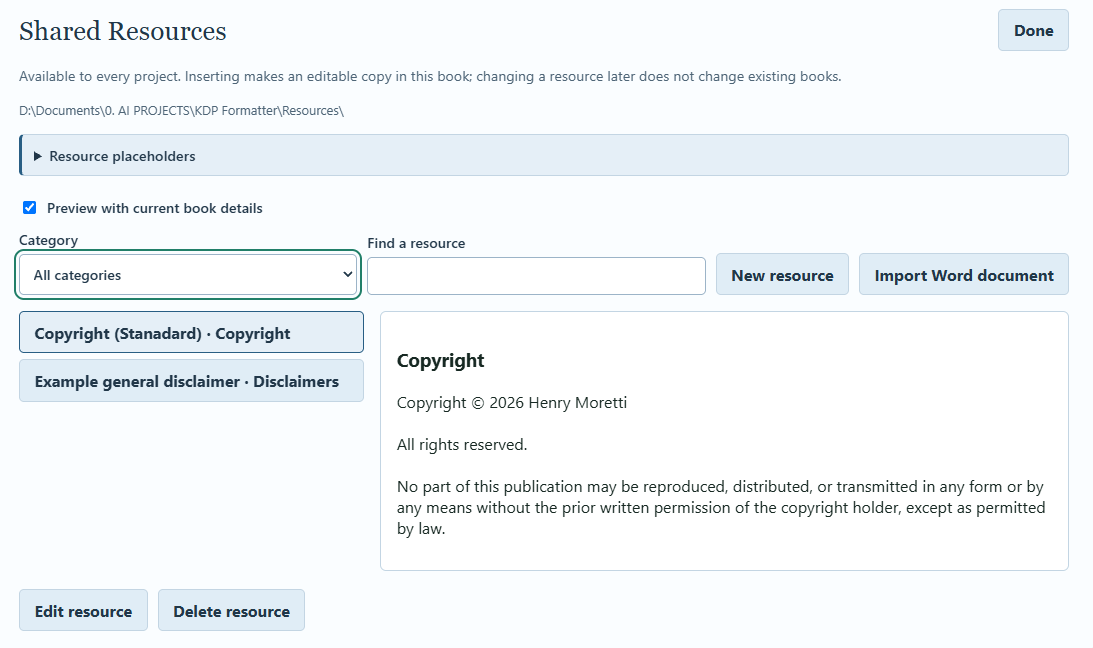
Resource placeholders fill in details from the current book when you insert the content. For example:
Copyright © [YEAR] [AUTHOR]
The saved resource keeps its placeholders, while the inserted copy becomes editable book content. Resources use readable filenames, making them easy to identify and manage.
Edit Your Manuscript and Check Its Layout
Make text corrections, insert images and add page breaks within the manuscript editor.
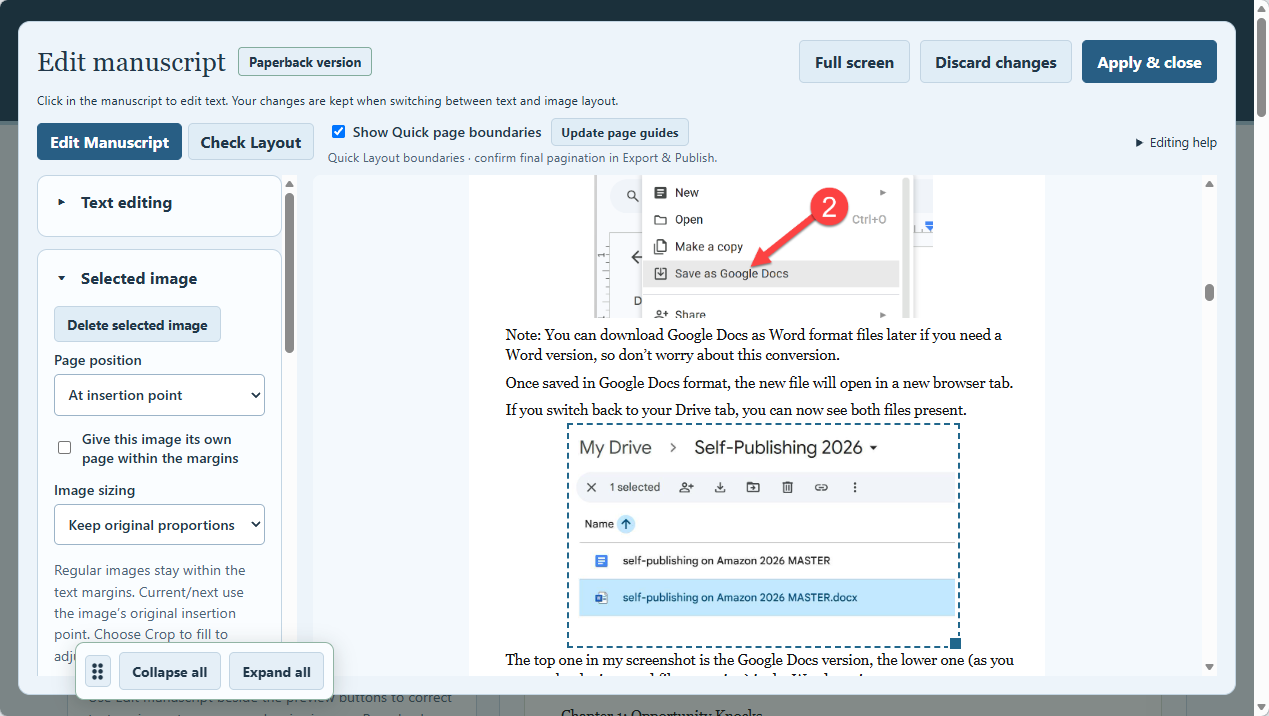
Print image controls include sizing, alignment, spacing, wrapping and cropping options. Bleed settings support artwork that extends to the page edge.
Use Check Layout to inspect chapter openings, images, blank pages, front matter and page numbering. Double-click content to return to its editing controls.
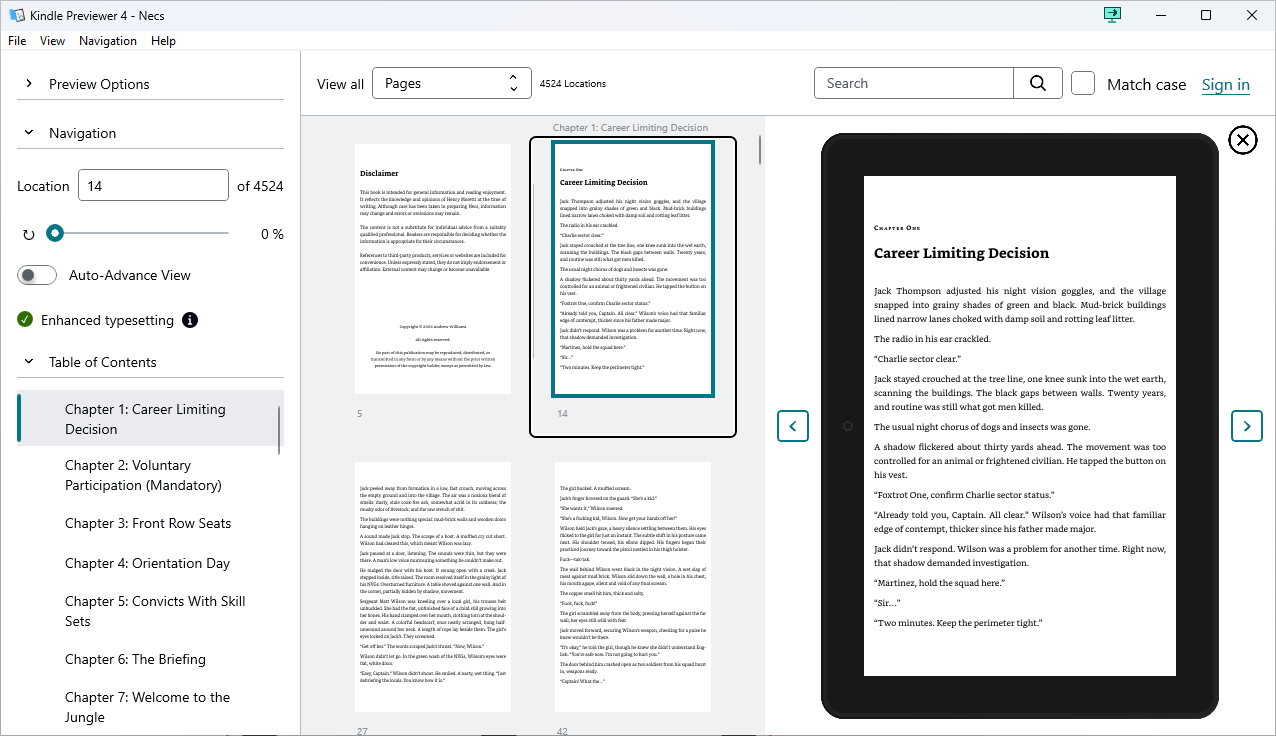
Kindle has its own reading preview for checking the generated EPUB’s content, navigation and front or back matter.
Create and Customise Your Covers
Prepare a Kindle front cover or a print cover containing the back, spine and front.
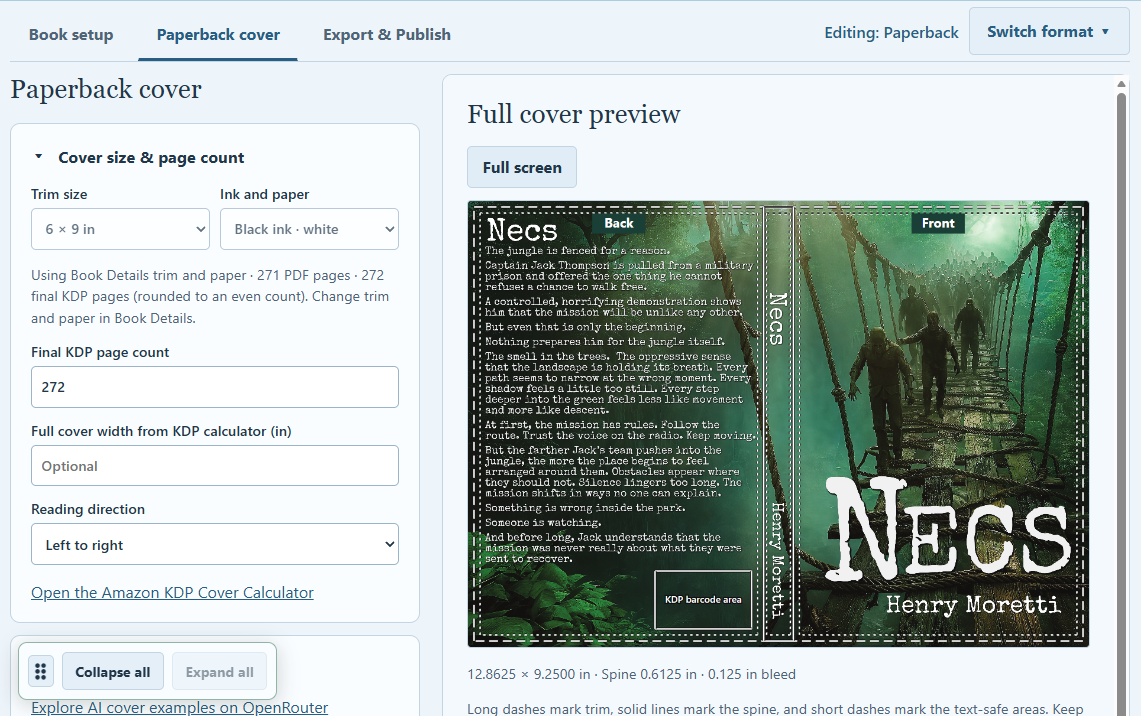
For print editions, upload separate artwork for the front, back and spine, or use a finished wrap. A final cover PDF can also be uploaded.
The cover designer provides editable text boxes with controls for fonts, sizes, colours, alignment, spacing and shadows. Add custom text or images, position elements visually, and use guides to check placement.
Hardcover calculations include its additional board, hinge and wrap allowances.
Add an Index with Optional AI Assistance
Print books can include an index built from your chosen terms and phrases.
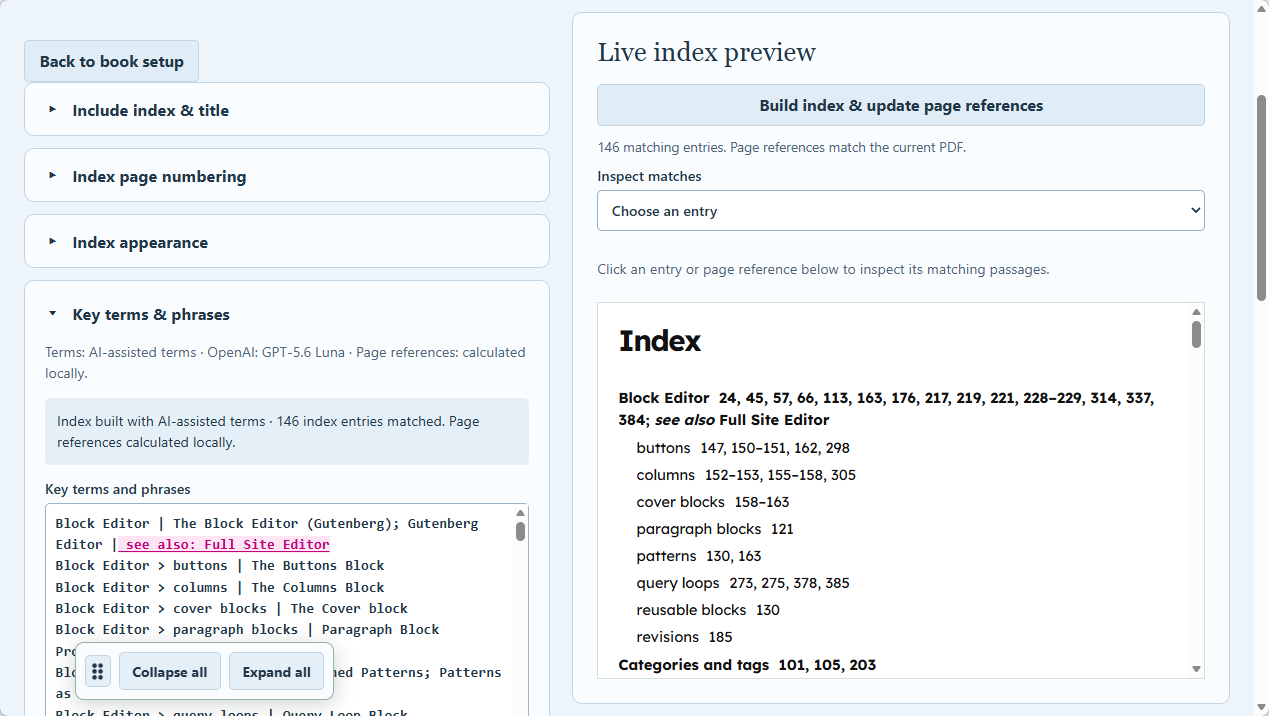
Use the larger index editor to organise entries, review matching passages, exclude individual occurrences and add cross-references. Separate font, size and column options help style the finished index.
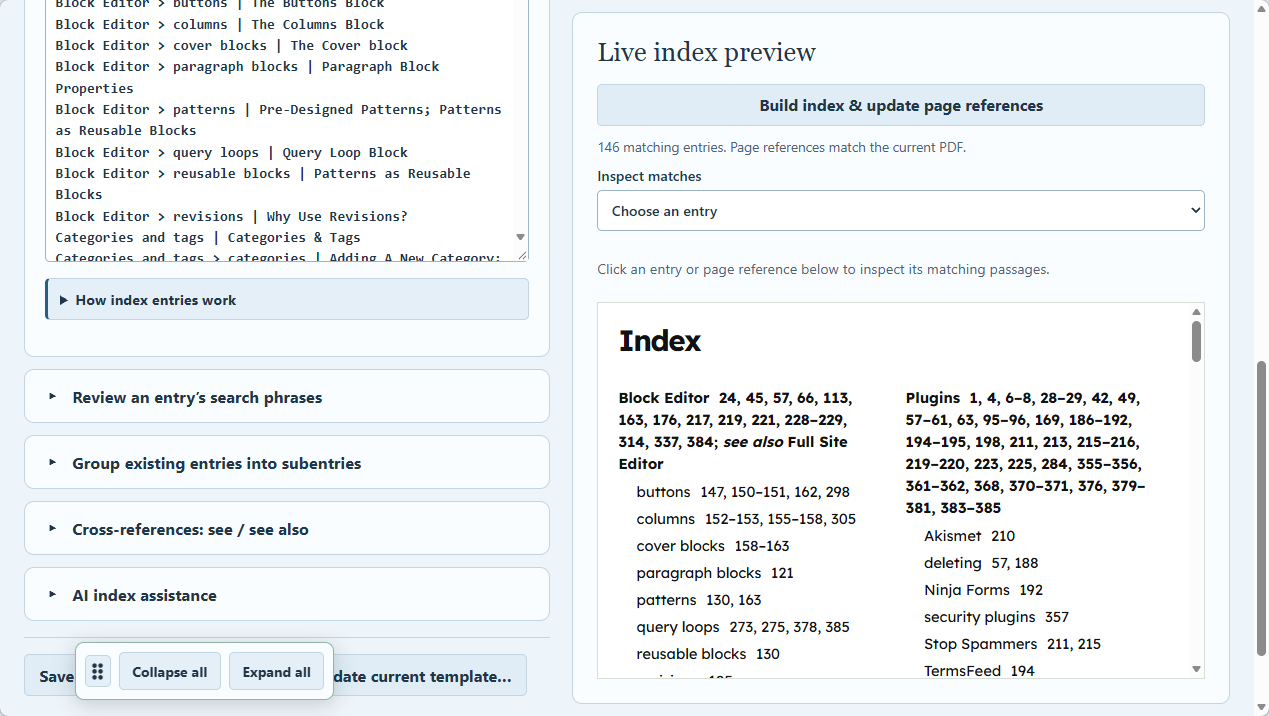
Optional OpenRouter integration can suggest terms, help organise an index, draft disclaimers and generate cover artwork. AI requests show an estimated cost before you proceed and require your own OpenRouter API key.
Check, Save and Export
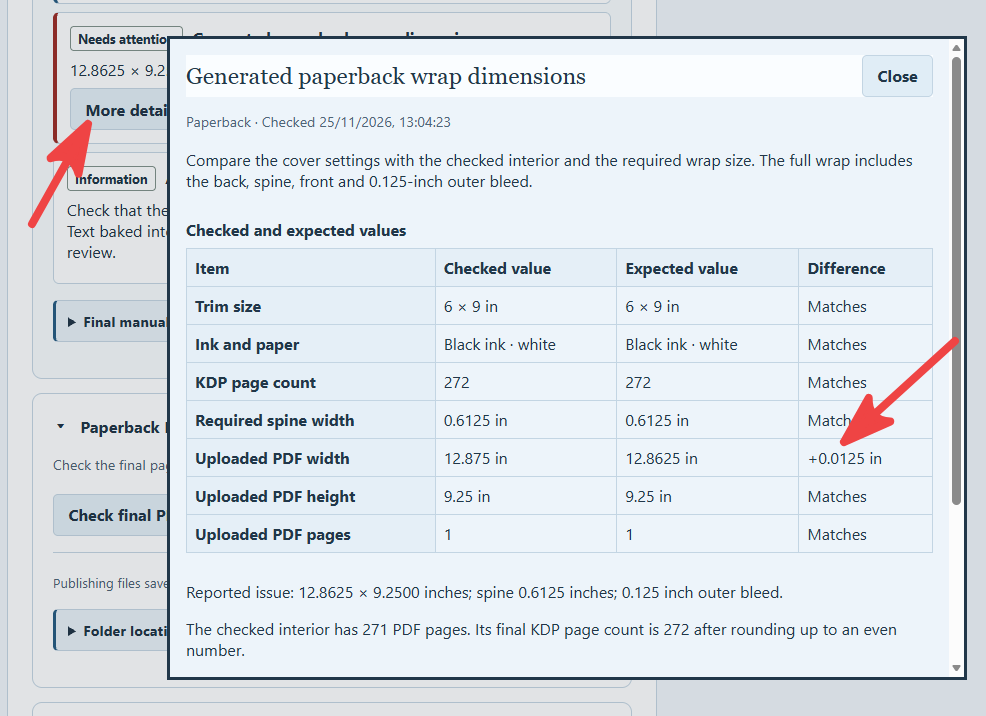
Publishing checks help identify issues involving metadata, spelling, fonts, margins, TOC links, page counts and cover dimensions.
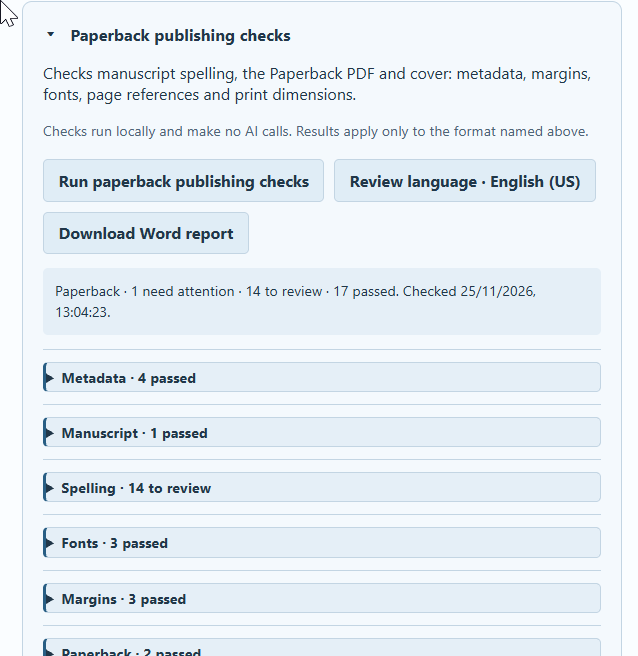
Get more details on issues that are found.
Save projects with their manuscripts, artwork and settings, and use recovery copies to help protect work in progress.
Export Kindle EPUBs and print-ready interior and cover PDFs, then review the finished files in the appropriate Amazon preview tools before publishing.
Get notified when KDP Formatter is available.
Tutorials
Learn how to use KDP Formatter with step-by-step guides and videos.

